Interface Showcase
Designed for total focus.
TriCo Workspace — Explorer and editor
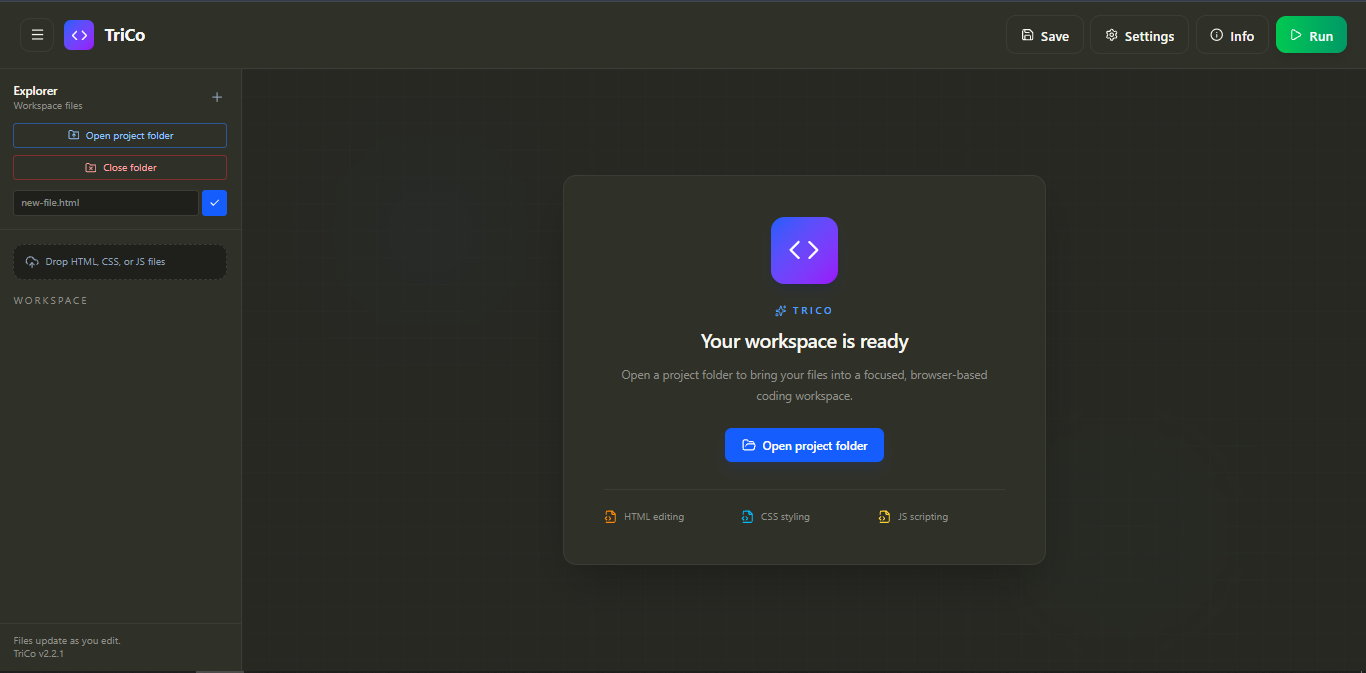
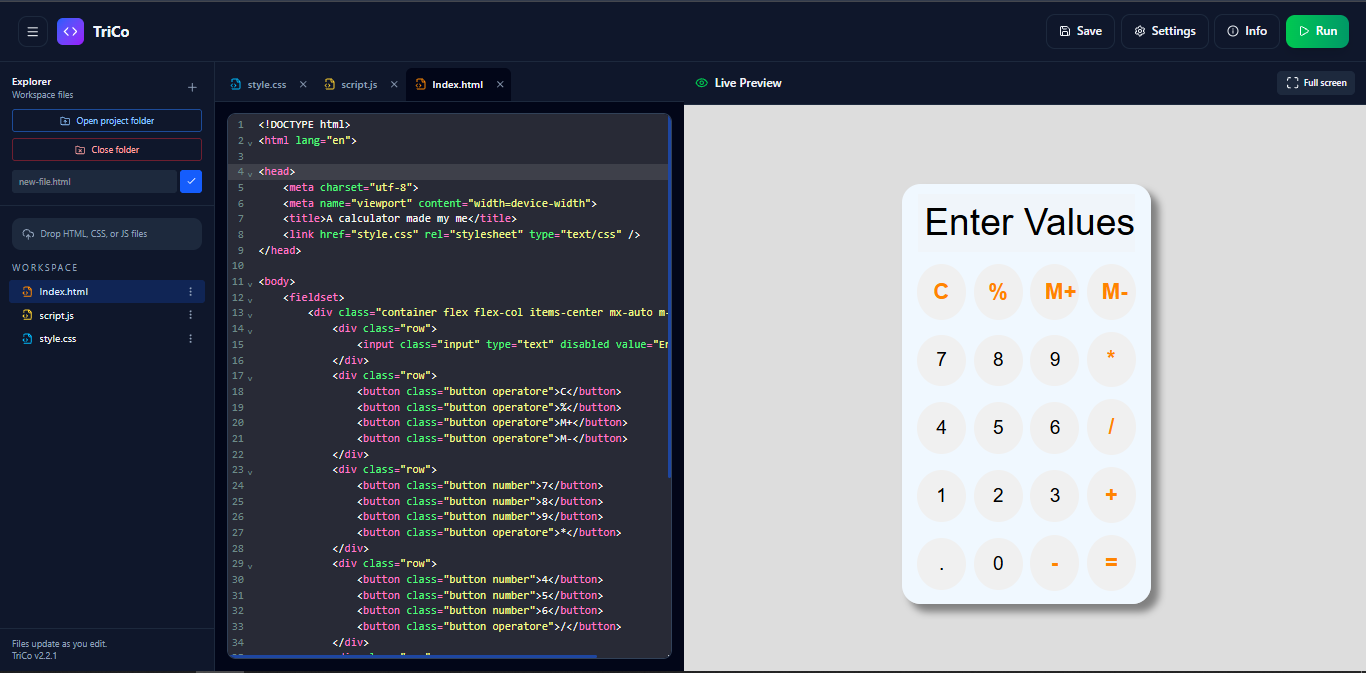
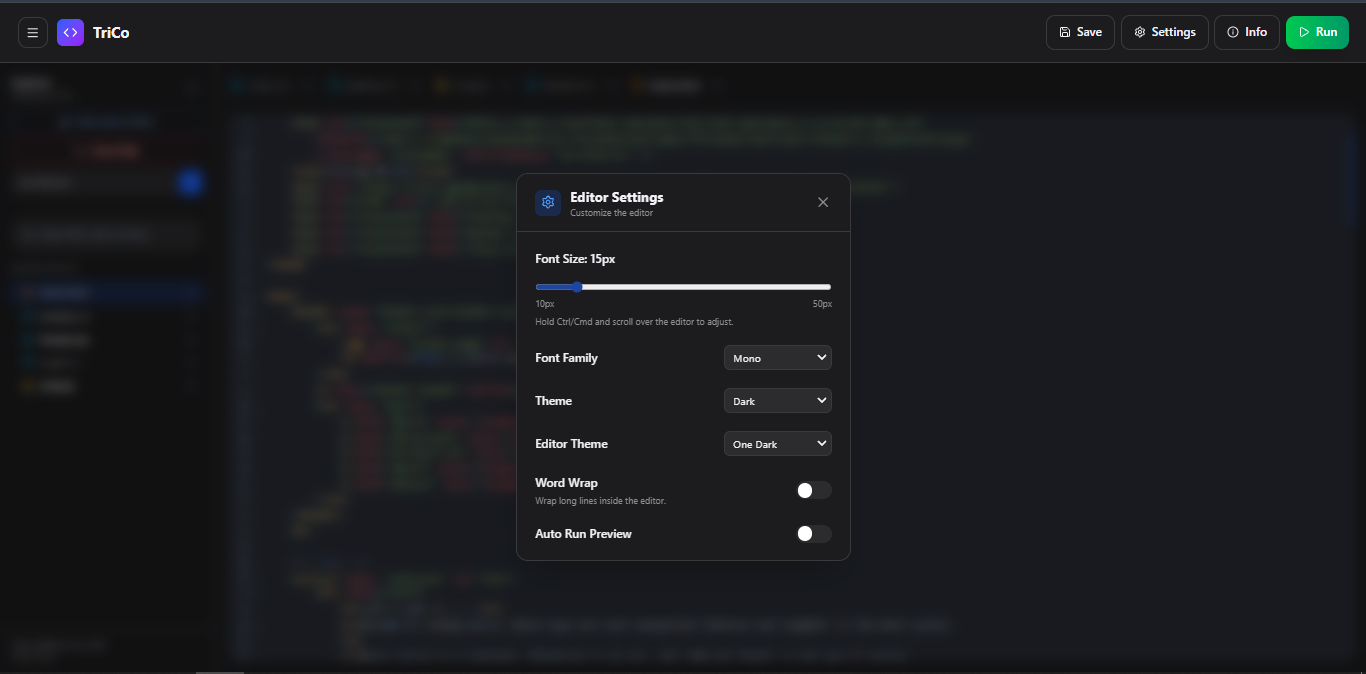
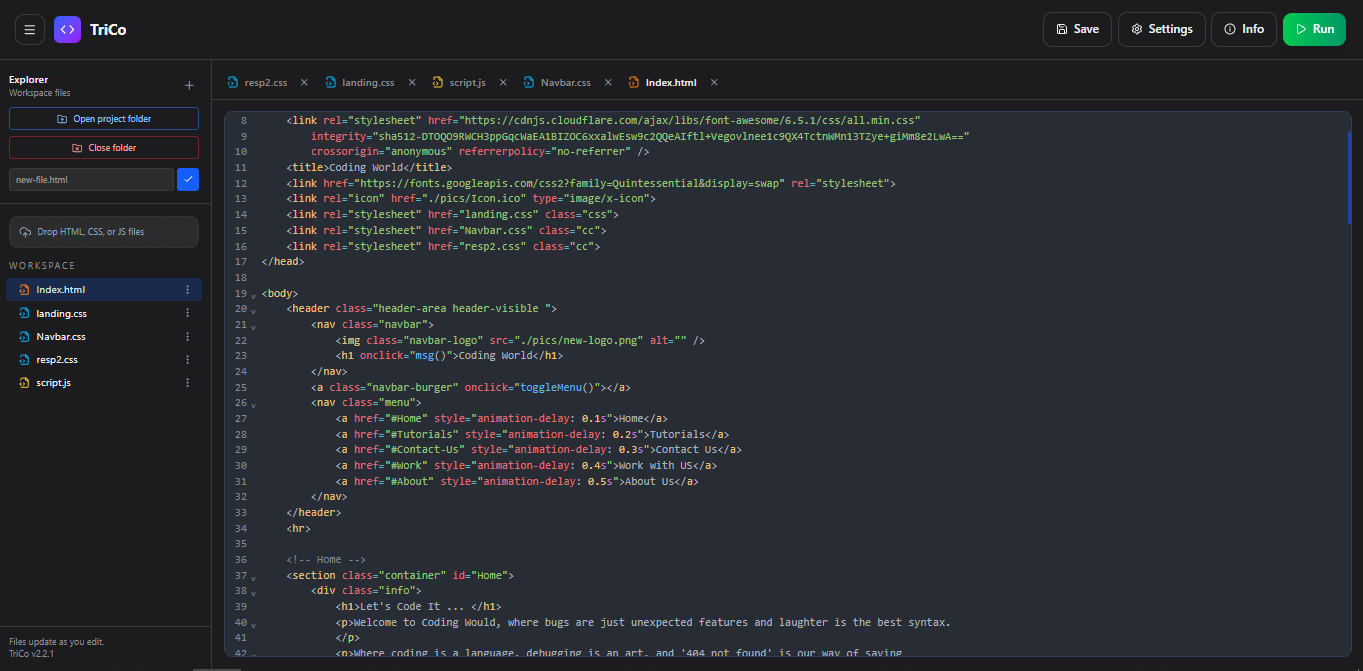
TriCo brings HTML, CSS, and JavaScript into one calm workspace with project folders, CodeMirror editing, live preview, and browser-native saving.
Designed for total focus.
Your files,
in a clearer place.
TriCo is a browser-based workspace for focused HTML, CSS, and JavaScript work. Open a folder, browse its supported files, edit with CodeMirror, and see the result in a live preview beside your code.
TriCo keeps the important workflow close: file creation, rename and delete actions, tabs, themes, word wrap, keyboard shortcuts, and direct saving when the browser grants folder access.
The essentials for shipping a small web project.
Open a project folder, browse nested files, create new files, rename them, delete them, and close the folder when you are done. Tabs stay separate from the workspace so closing a tab never deletes a file.
Edit with syntax highlighting, line numbers, bracket matching, quick symbols, word wrap, and editor themes including Dracula, Monokai, One Dark, and Light.
Run your HTML, CSS, and JavaScript together in an embedded preview. Open the result in a new tab on desktop when you want a larger view.
Keep your app theme, editor theme, font family, font size, word wrap, and auto-run preference across reloads. Use shortcuts for the actions you repeat most.
Open TriCo in your browser and start with the files you already have.